Check three details on the App Store
Before getting the app on iPhone / iPad, check that its name is Shadowrocket, then verify the developer, Shadow Launch Technology Limited, the official icon and app ID 932747118 in the product link. Search results with similar names are no substitute for these checks; a free listing with the same name is not the paid product described here.
Compare the icon with the official icon on this page, but always open the correct product page to verify developer information. Do not decide based only on a search-result thumbnail. For computers and Android, use the download links in this site's guide. Installation packages are at /dl/shadowrocket/ on this site; an App Store purchase record is not the source for a desktop installation package.
App Store availability depends on account region
The app is currently unavailable on the mainland China App Store. If you cannot find it, check the region of the account used for “Media & Purchases” and whether the product page is available in that storefront. Device language and account region are separate settings. For region changes, review the requirements under your account's “Country/Region” settings, including balance, subscriptions and payment information.
One unsuccessful search does not mean the app does not exist or that your device is incompatible. Check the App Store page for iPhone / iPad system requirements. The displayed currency and final amount are also determined by the product page. The download guide's App Store section covers storefront visibility, purchase confirmation and download progress.
App Store and account region details →
One-time purchase and restoring purchases
iPhone / iPad costs $2.99 one-time on the App Store; Mac, Windows, Android and Linux are free. The purchase works on both iPhone and iPad. When changing devices or reinstalling, sign in with the original purchase account, find Shadowrocket in Purchased and download it again. If the page still shows a purchase button, check the account and purchase history before paying again.
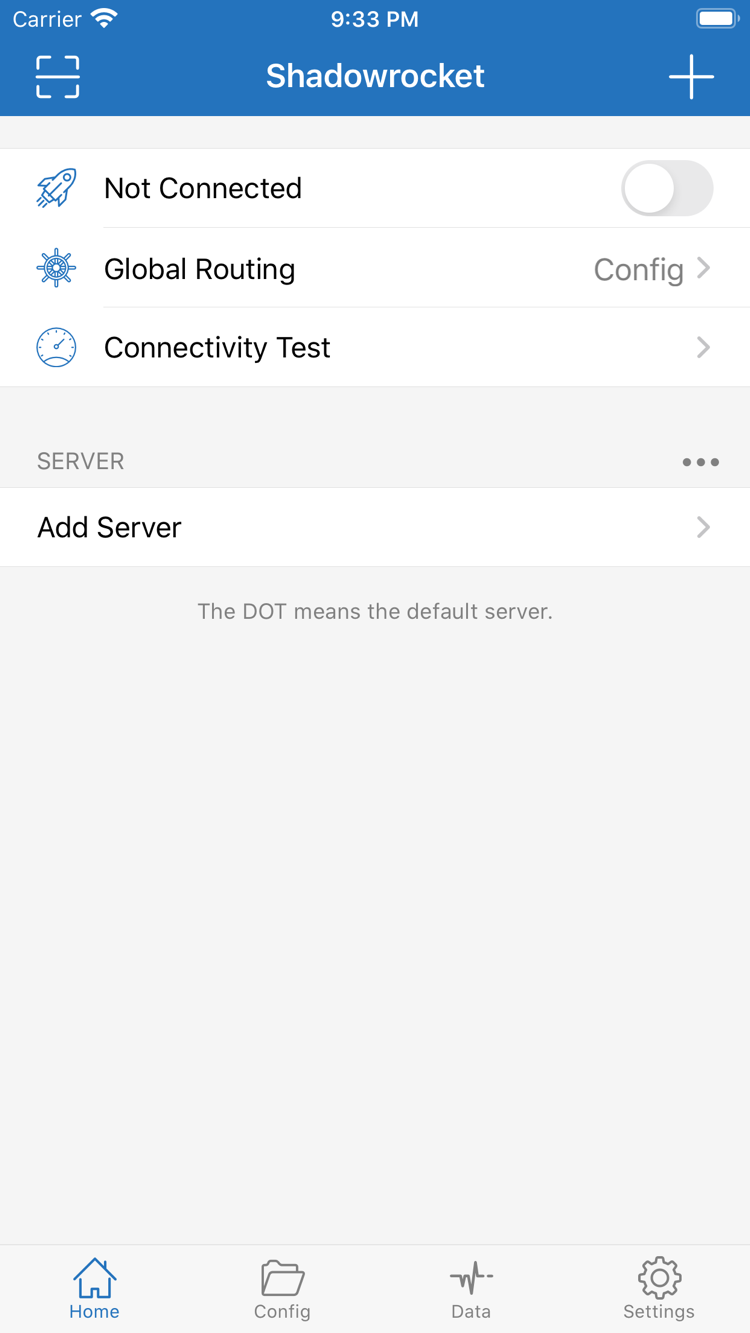
Restoring the app and restoring its configuration are separate tasks. Reinstalling does not confirm that subscriptions, servers and local configuration have all been restored. Before connecting, check the list in Home, the active Config and Global Routing. If using saved iCloud content, wait for sync to finish and check each item, especially policy names and server references.
Steps to restore a purchase →
Manage the client and proxy service separately
A client purchase does not include a proxy service. Shadowrocket provides proxy connections and rule configuration; it does not include ready-to-use server details. This site does not provide, sell or recommend nodes or subscriptions. The instructions below assume that you already have your own subscription or server details. Get subscription links from your service provider and check service validity and usage with that service.
If the client opens but a server is unavailable, check Host, Port, authentication details and the subscription update result first. Reinstalling or purchasing the app again will not fix an expired service, changed address or network issue on the server side. When reporting an issue, note the error, current network and test steps. Hide passwords and credentials in links before sharing the necessary details.
Recheck the active configuration after updating
Check for updates on iPhone / iPad through the App Store. For Mac, Windows, Android and Linux, get the latest installation package from this site's download guide. Keep a working configuration and any individually added server details before updating. Afterward, test the existing connection before changing new settings. If the interface changes, use the English item names shown in the app instead of relying on fixed screenshot positions.
Support for multiple protocols does not mean their fields are interchangeable. When your service provider gives you VMess, VLESS, Trojan, Hysteria2 or WireGuard details, choose the corresponding Type and check its authentication and transport parameters. Changing protocols is not a general troubleshooting method. First confirm that the existing details are complete and that configuration references are correct.